
Check-Out (End of Event)
Check-out is not required to complete your event, but it is an important step to ensure guests receive their items and complete any outstanding payments.
Setting up an organized checkout process helps create a smooth and positive guest experience at the end of your event.
Overview
A checkout station allows guests to:
- Pay with card, check, or cash
- Complete purchases if they did not register a card
- Pay for raffles or paddle raises conducted during the event
💡 Good to Know
Place your checkout station near your item pickup area to keep the process efficient.
1. Notifying Winners
Not Using Mobile Bidding
If you are not using a mobile bidding platform, you will need a way to notify guests of winning bids.
Options:
Statements Delivered to Tables
- Print and distribute statements in table number order
Bidder Board
- Display winning bidders in bidder number order
- Announce board location during the event
- Consider using two boards (checkout area + item area)
2. Item Pickup
A smooth pickup process is key to guest satisfaction. Long lines can negatively impact the event experience.
Before Pickup:
- Label all physical items (from Event Resources)
- Place certificates in envelopes labeled by catalog number
- Keep certificates organized in catalog order
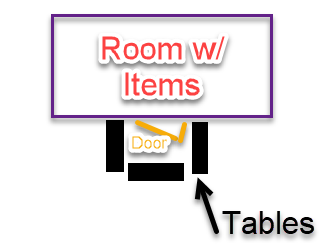
- Block guest access to items (staff handles distribution)
- Create space for pickup (tables, staging area if needed)
**Item Pickup Methods
Option A: Reconfiguration (Recommended)
- Print the Winning Bid Report
- Write winning bid numbers on item displays
- Place guest statements in bid number order
- Match items to corresponding statements
- Add certificates to matching receipts
- Verify all items (recommended to check with a highlighter)
- Attach receipt to items (or bag)
When Guests Arrive:
- Guest provides bid number
- Retrieve matching items
- Confirm payment status:
- White receipt = Express Pay
- Colored receipt = Send to cashier
- Verify items with guest
- Have guest sign receipt
Option B: Shopping Method
Use this if there is not enough time to organize by bidder number.
- Arrange items in catalog number order
- Deliver statements to tables (use color coding if needed)
- Direct unpaid guests to cashier
- Assign a volunteer to each guest for item retrieval
- Have guest sign for items upon pickup
💡 Good to Know
Using different colored statements for card on file guests and those without helps quickly identify guests who still need to pay.
Important Notes
⚠️ Important
- Guests should always sign for items upon pickup
- Payment must be completed before releasing items (if not Express Pay)
- Organization and labeling are critical to avoid confusion
- Volunteers should manage item retrieval—not guests
Final Reminder
⚠️ Always confirm items with the guest before they leave to prevent issues later.
Printable Quick Help Guide:
(see below for printing instructions)
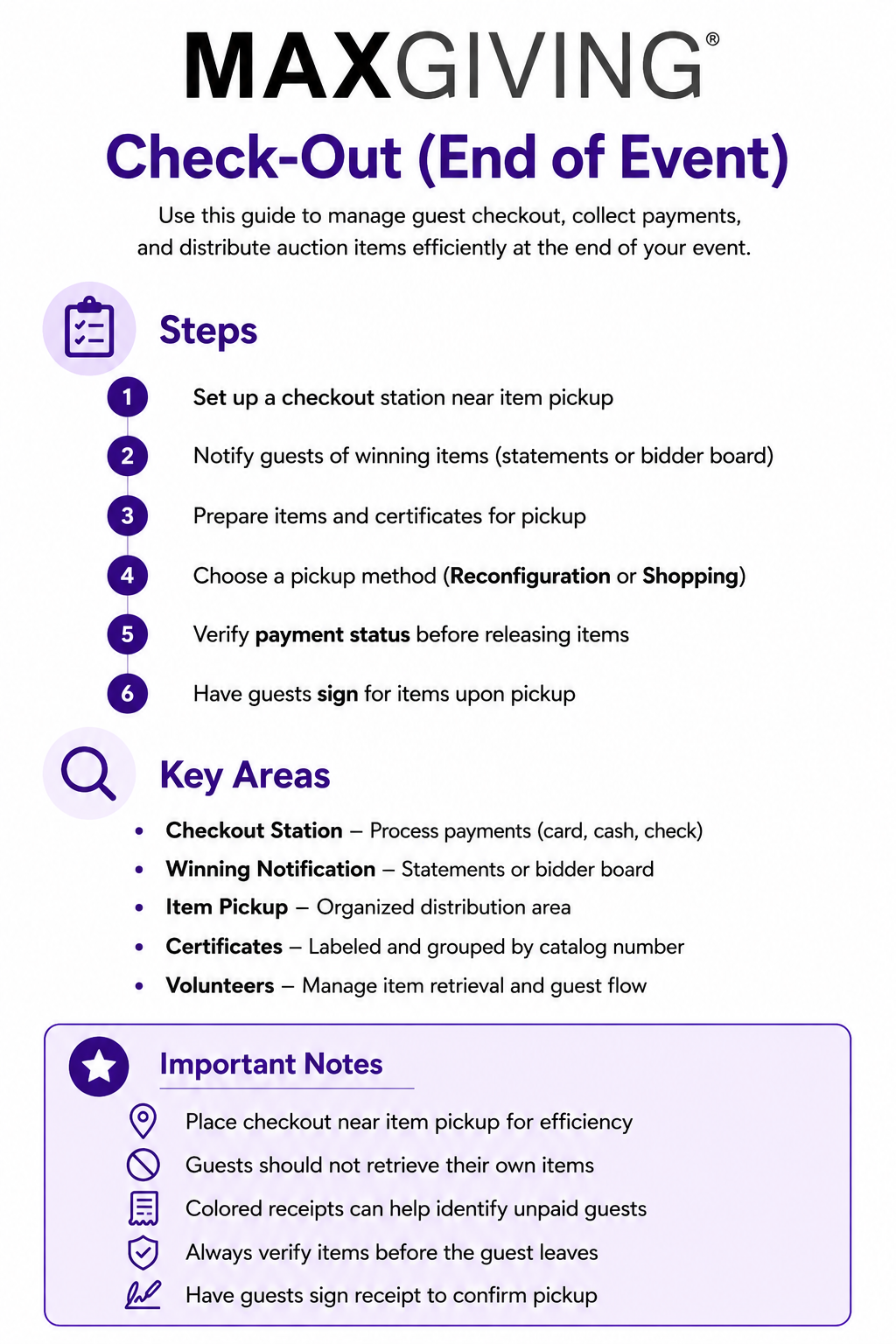
How to Print This Guide
- Right-click on the image of the guide
- Select Save Image As…
- Save the file to your computer
- Open the saved image
- Click Print (or use Ctrl + P / Command + P)
💡 Good to Know
For best results, print using Full Page or Fit to Page settings to ensure proper sizing and clarity.